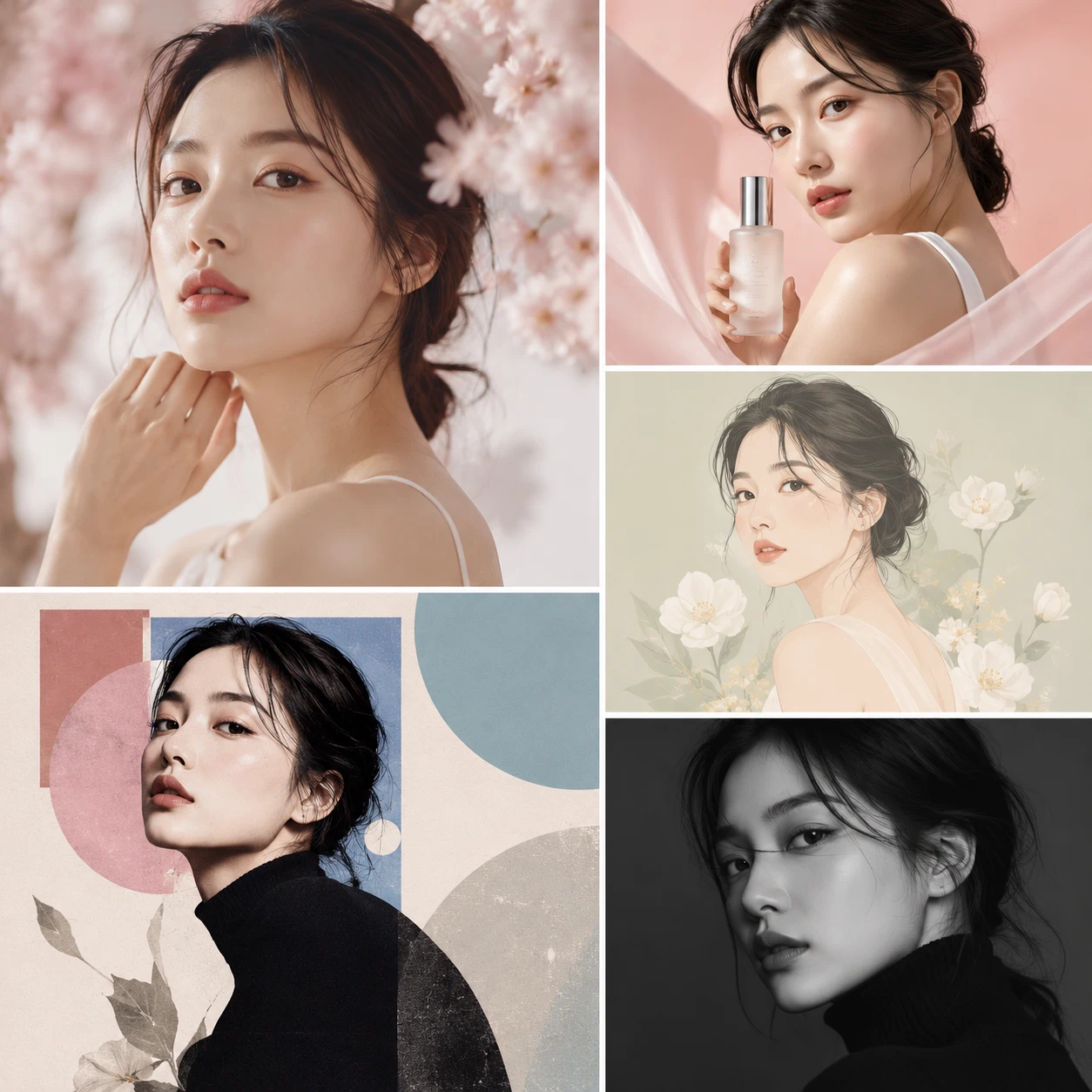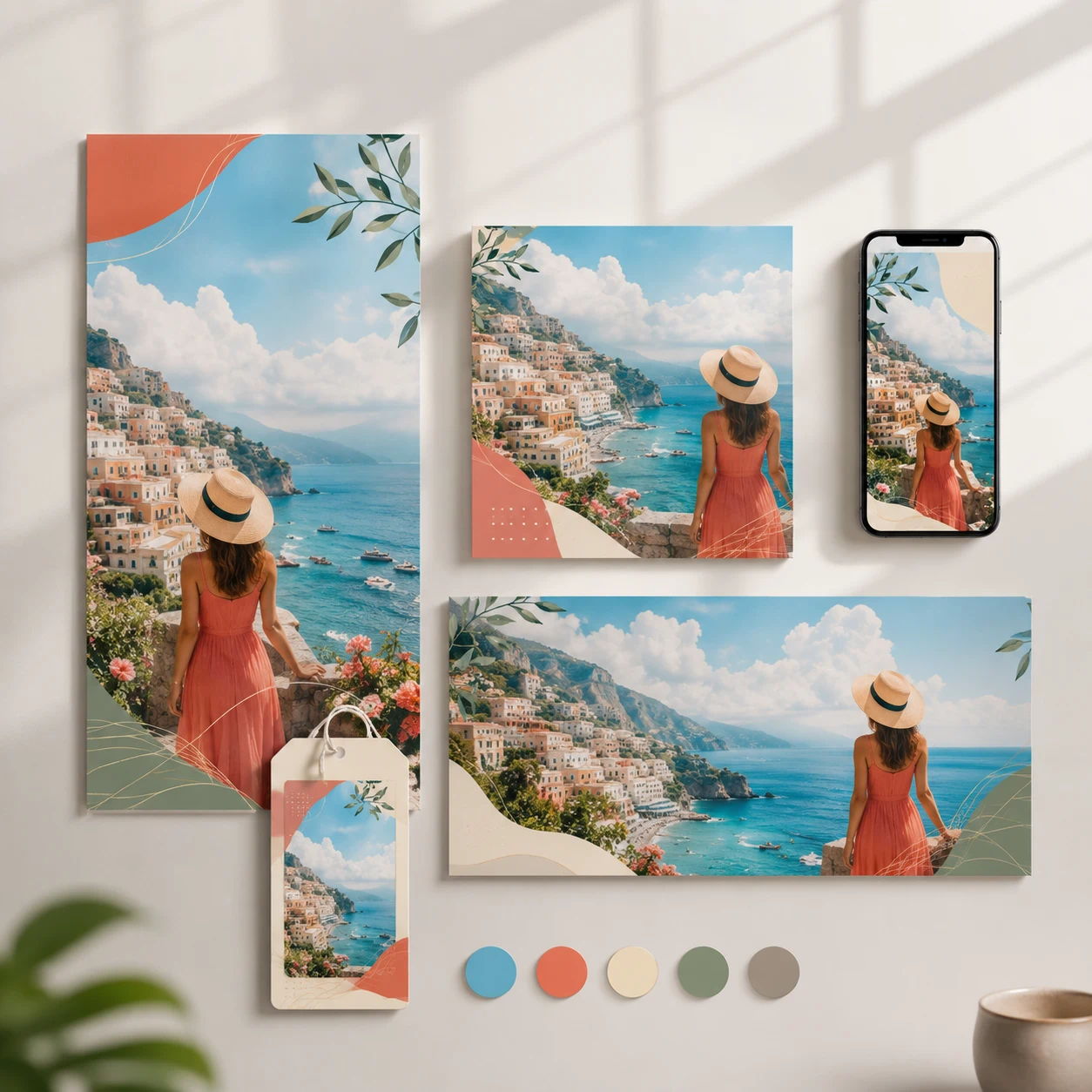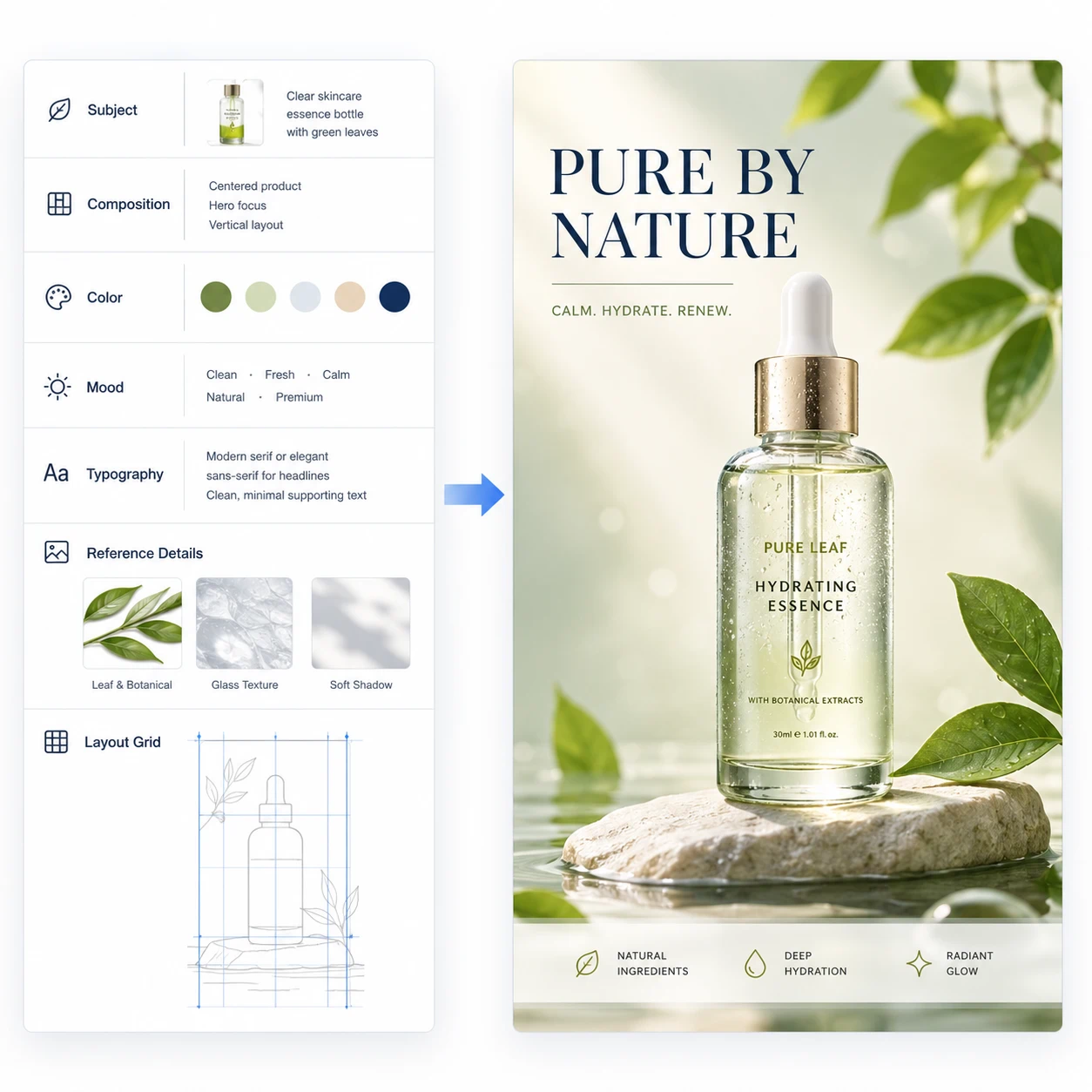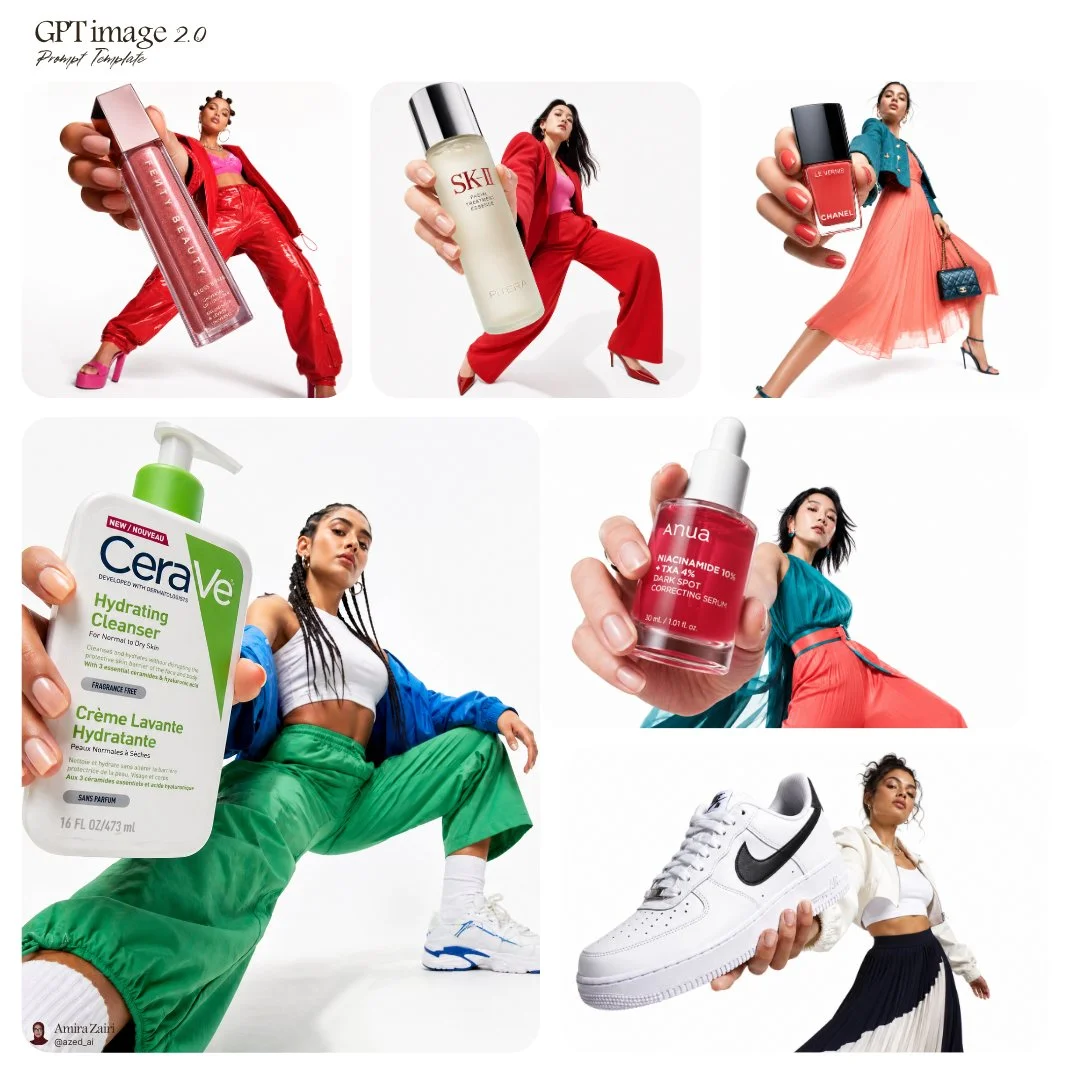
GPT Image 2 Free Online AI Image Generator

Try GPT Image 2 online for AI image generation and image editing. Use text-to-image or image-to-image workflows for product visuals, posters, multilingual text layouts, and creative drafts. Free credits and limits depend on your account.

How to Use GPT Image 2 Free Online

Start from the online generator below and choose the workflow that matches your task. Free credits, generation costs, rate limits, and paid access depend on your account, region, and current plan.

01

Step 1: Choose text-to-image or image-to-image

Start with text-to-image when you have a new idea, or image-to-image when you want to edit, recreate, or refine an existing visual.

02

Step 2: Add a prompt or upload a reference

Describe the subject, scene, text, style, composition, and constraints. Add a reference image when you need stronger control.

03

Step 3: Generate, refine, and download

Review the result, adjust the prompt or settings, and iterate until the image is ready to publish, draft, or download.

Image Examples

Create These Images with GPT Image 2 Online

Explore practical GPT Image 2 examples for product visuals, posters, infographics, beverage ads, 3D characters, and travel illustrations. Choose a scene to prefill the matching prompt, then replace the subject, product, or style before generating.

Browse Banana Prompt Library
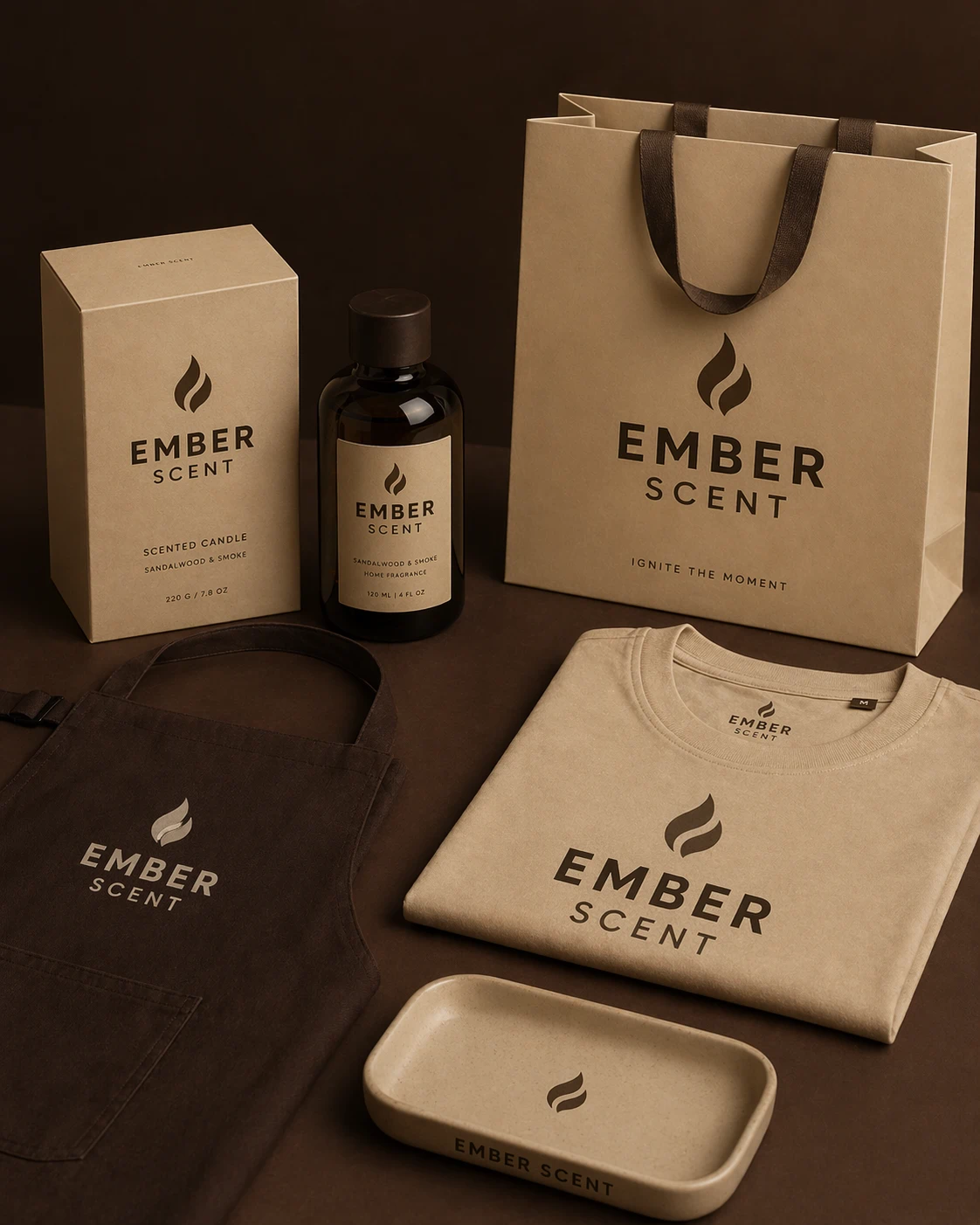
GPT Image 2 product advertising image exampleProduct ad

Product advertising image

Generate a clean commercial product image with visible packaging detail, studio lighting, and a strong ecommerce composition.

Use cases

Ecommerce hero images, product pages, launches, ad campaigns, and social media assets.
Use This Scene
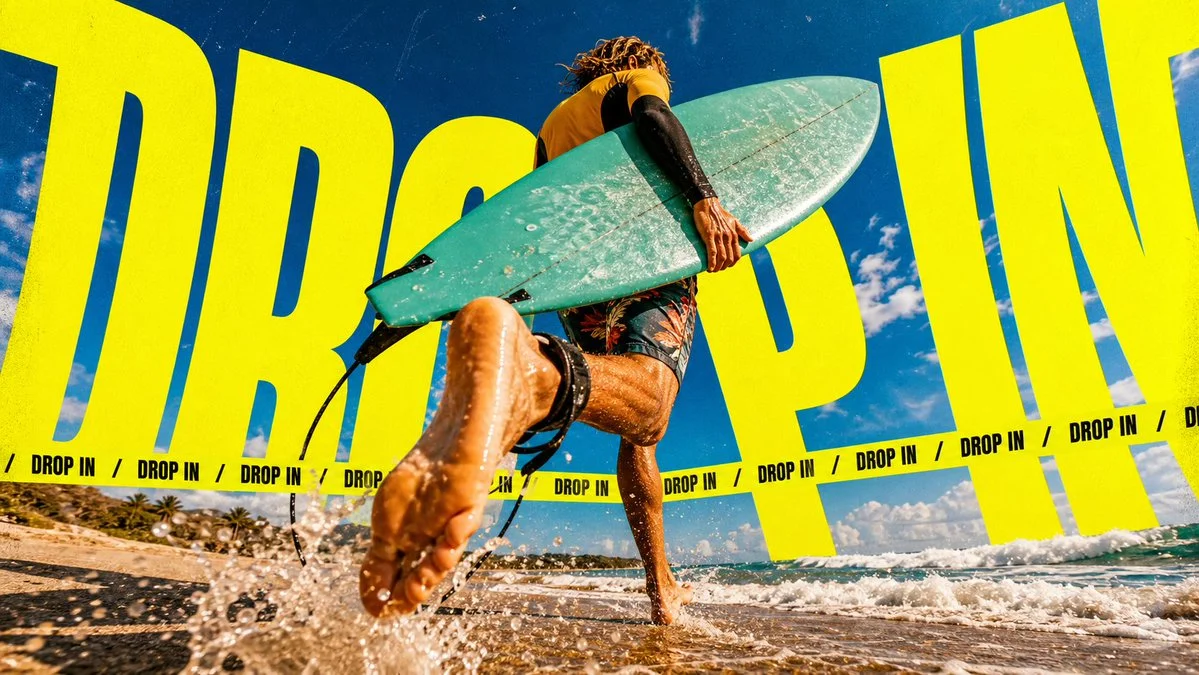
GPT Image 2 bold typography poster exampleBrand poster

Bold typography poster

Create a type-led brand poster with dynamic perspective, strong contrast, and a clear main message.

Use cases

Brand campaigns, music artwork, event visuals, social posters, and typography experiments.

Use This Scene
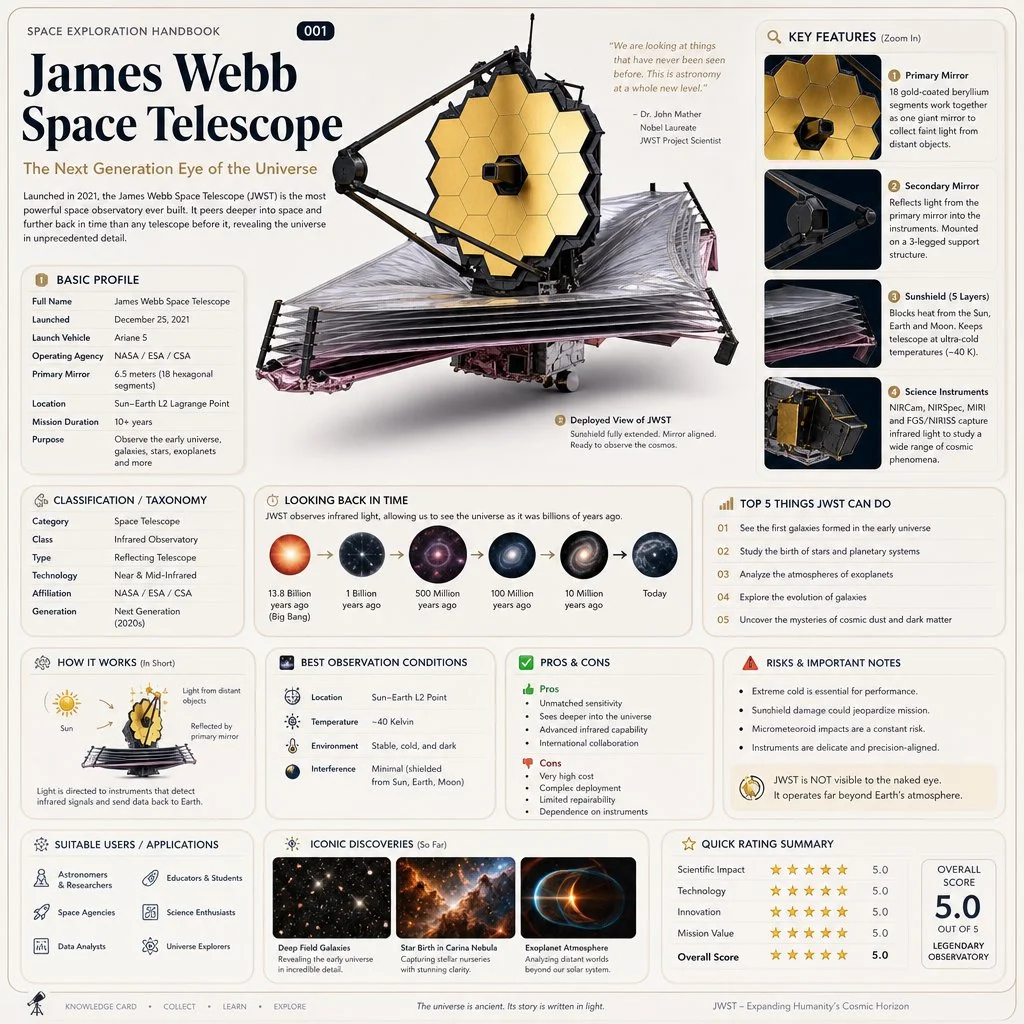
GPT Image 2 educational infographic exampleInfographic

Educational infographic

Turn a complex topic into a clear infographic with labels, detail areas, modular sections, and readable hierarchy.

Use cases

Explainer posts, learning cards, product diagrams, research notes, and text-heavy visual content.

Use This Scene
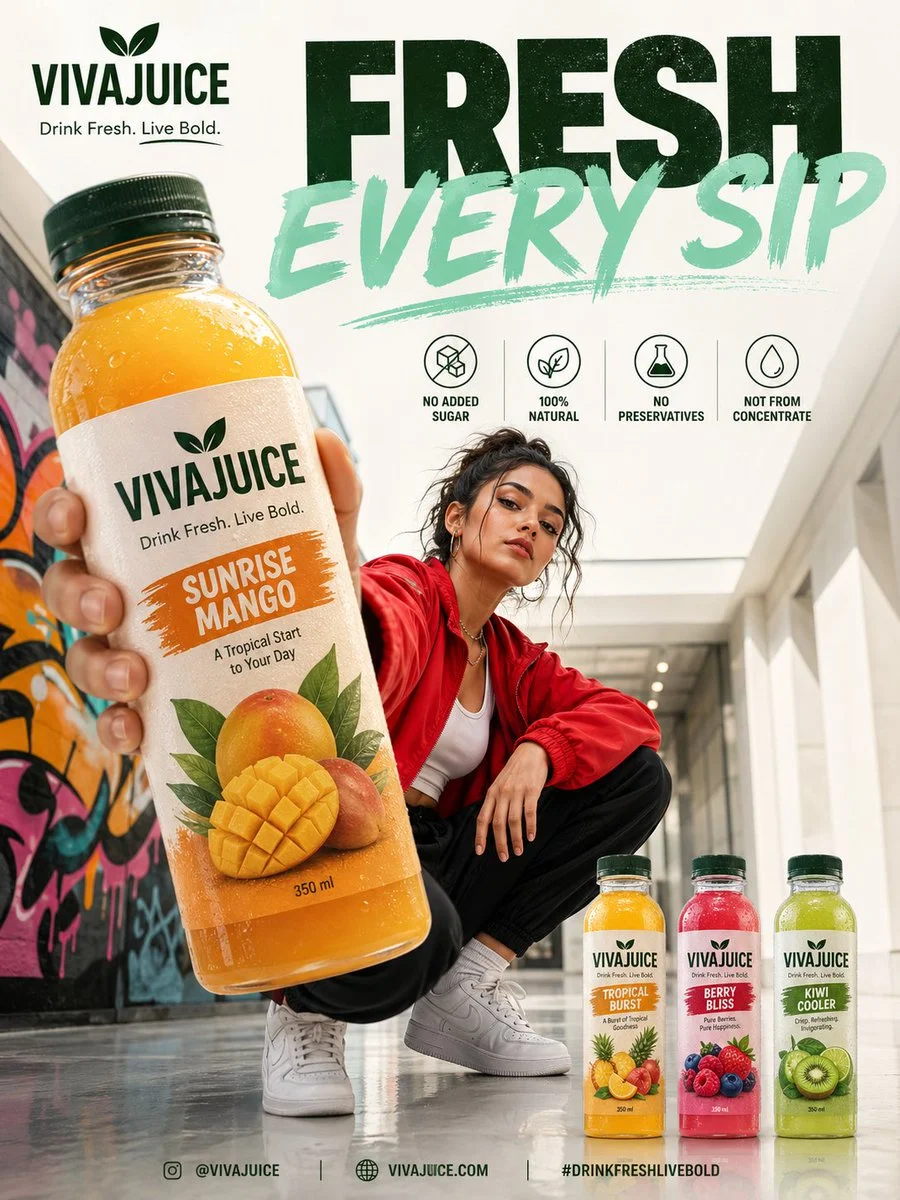
GPT Image 2 beverage advertising image exampleBeverage ad

Beverage campaign visual

Create a polished drink advertisement with lifestyle mood, product focus, color direction, and commercial lighting.

Use cases

Cafe menus, bottled drinks, delivery banners, influencer posts, and seasonal food campaigns.

Use This Scene
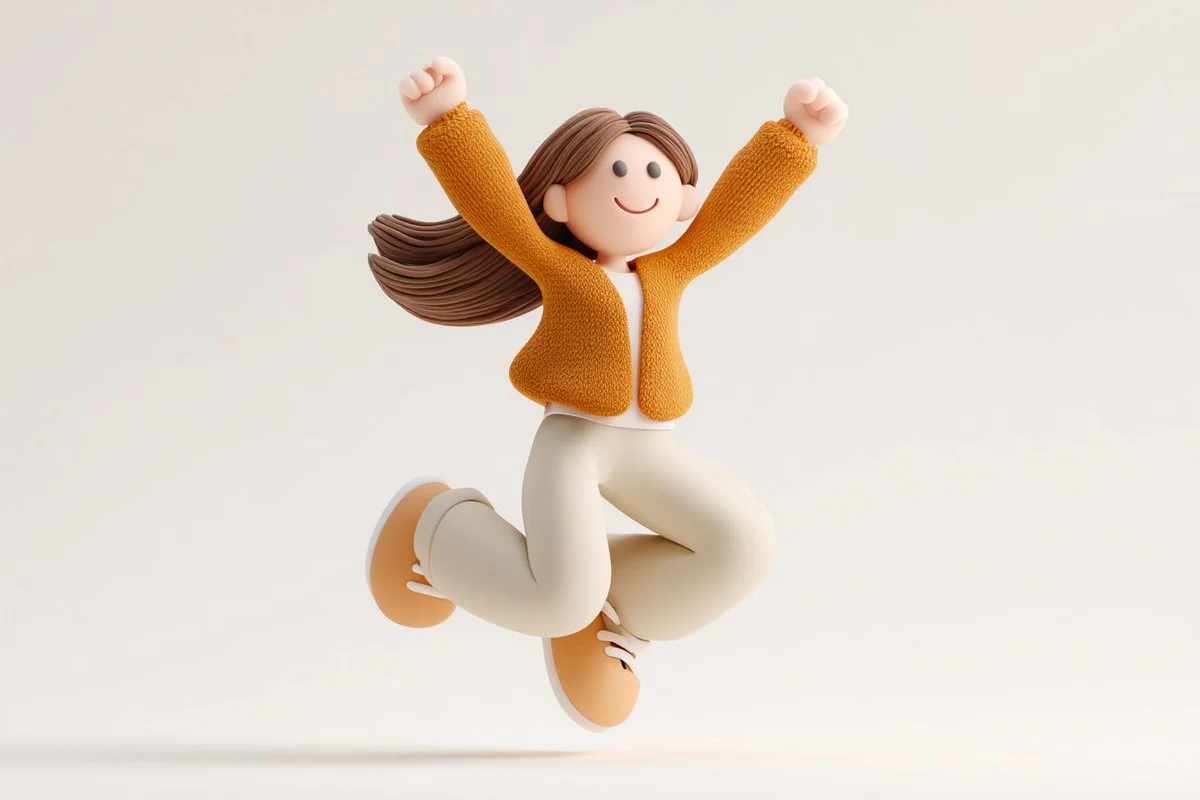
GPT Image 2 3D character concept example3D character

3D character concept

Generate a friendly 3D character concept with rounded proportions, clear personality, and a polished toy-like finish.

Use cases

Mascots, app icons, character exploration, stickers, and playful 3D concept work.

Use This Scene
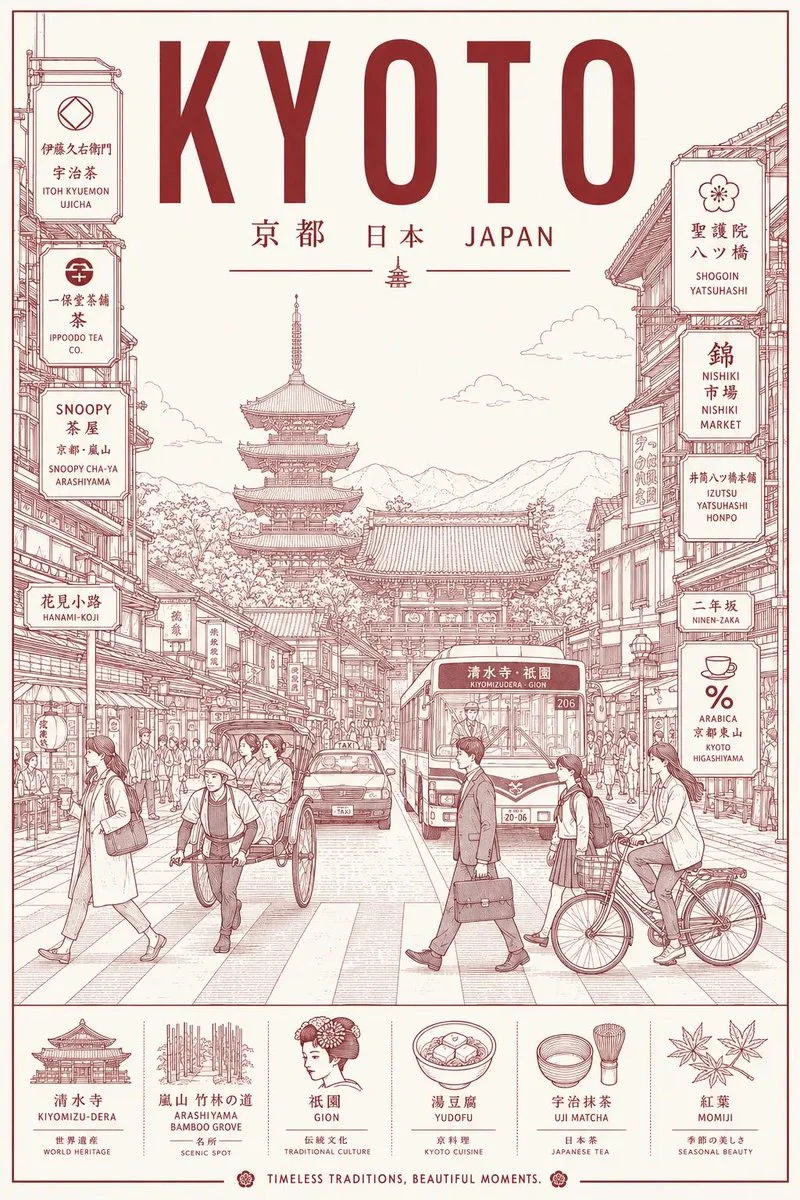
GPT Image 2 travel illustration poster exampleIllustration

Travel illustration poster

Create a location-based illustration with local architecture, people, signage, and a controlled color direction.

Use cases

City posters, travel guides, editorial covers, location pages, and destination campaign drafts.

Use This Scene

GPT Image 2 vs Nano Banana 2

Compare GPT Image 2 and Nano Banana 2 for text rendering, prompt following, visual style, image editing, and production-ready creative workflows.

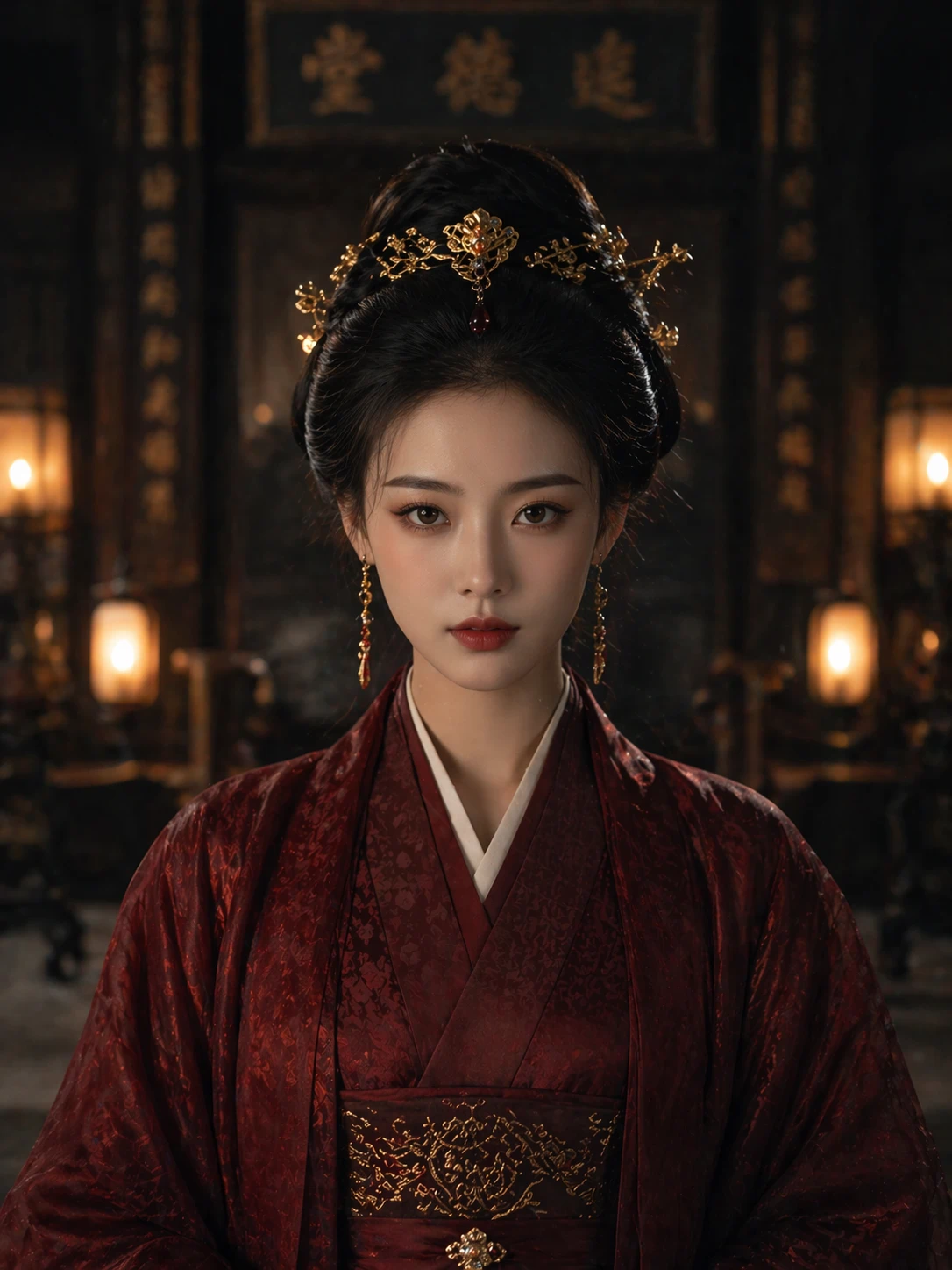
GPT Image 2 portrait prompt comparison example
GPT Image 2
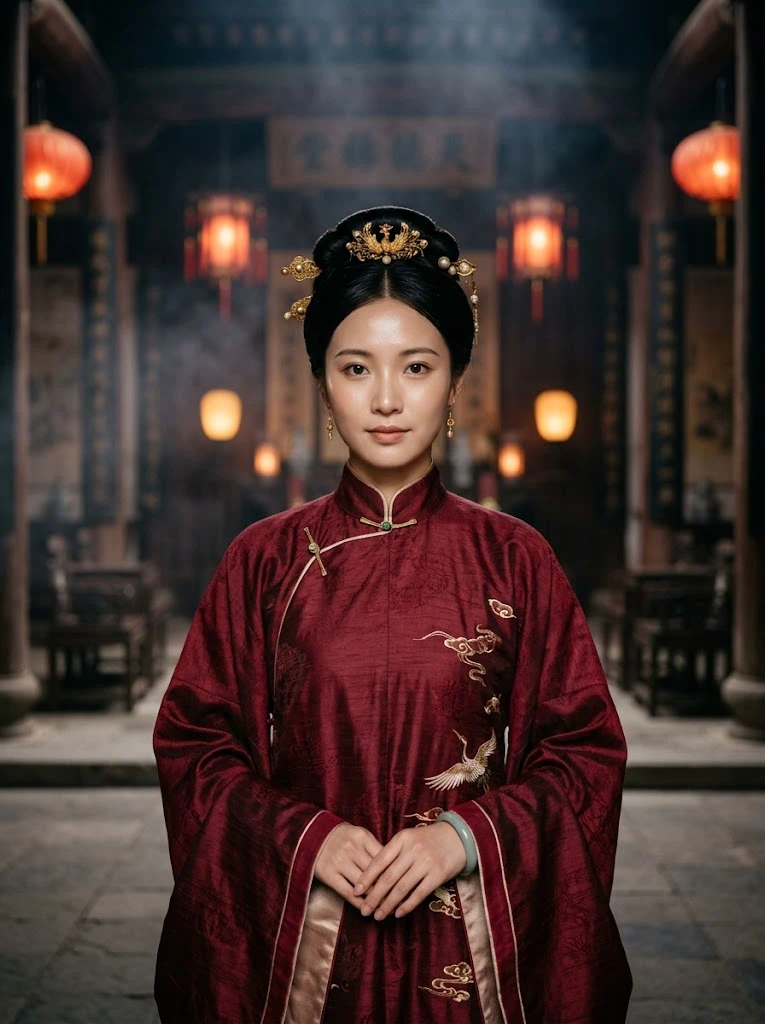
Nano Banana 2 portrait prompt comparison example
Nano Banana 2
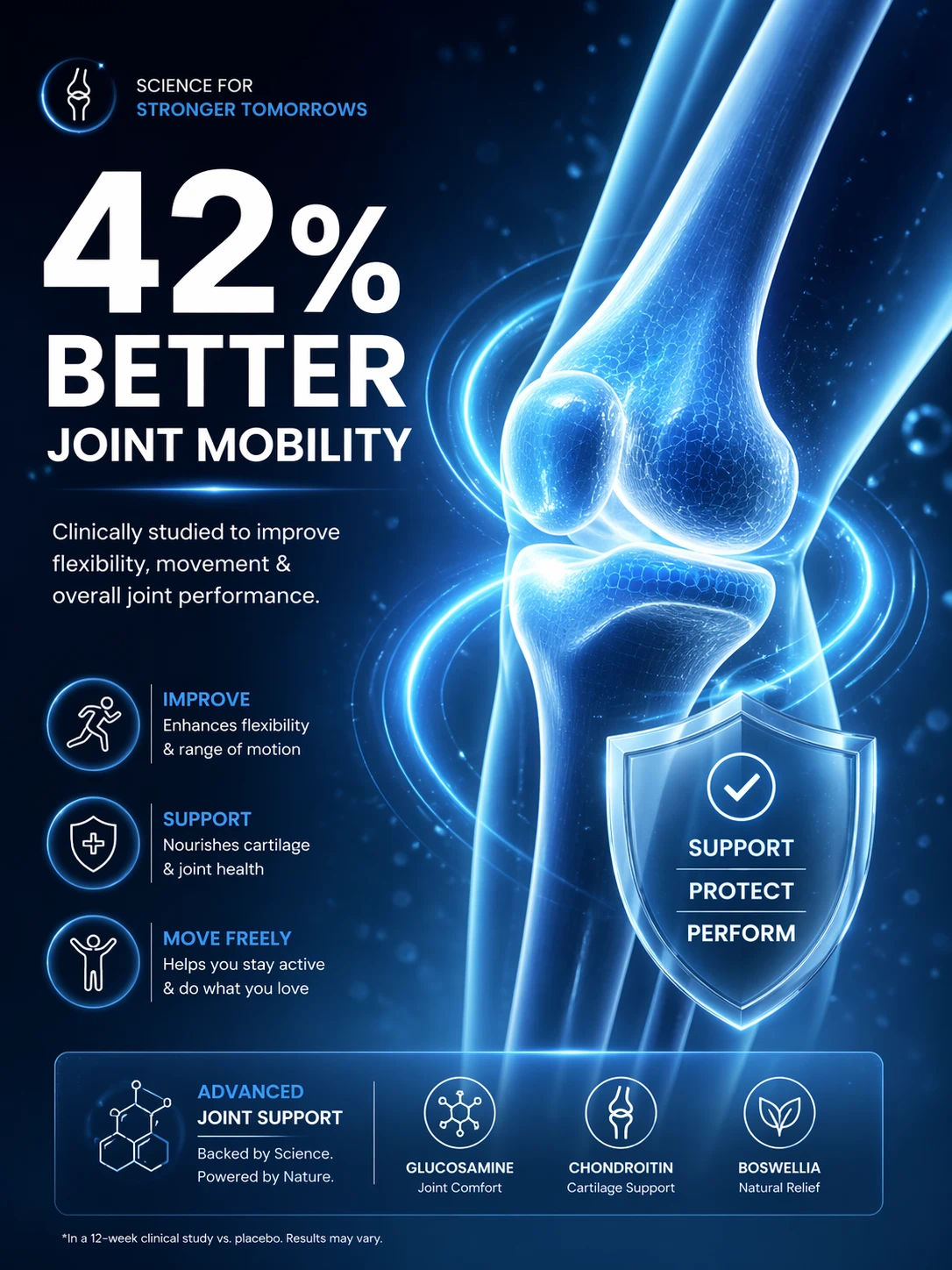
GPT Image 2 medical poster text rendering comparison example
GPT Image 2
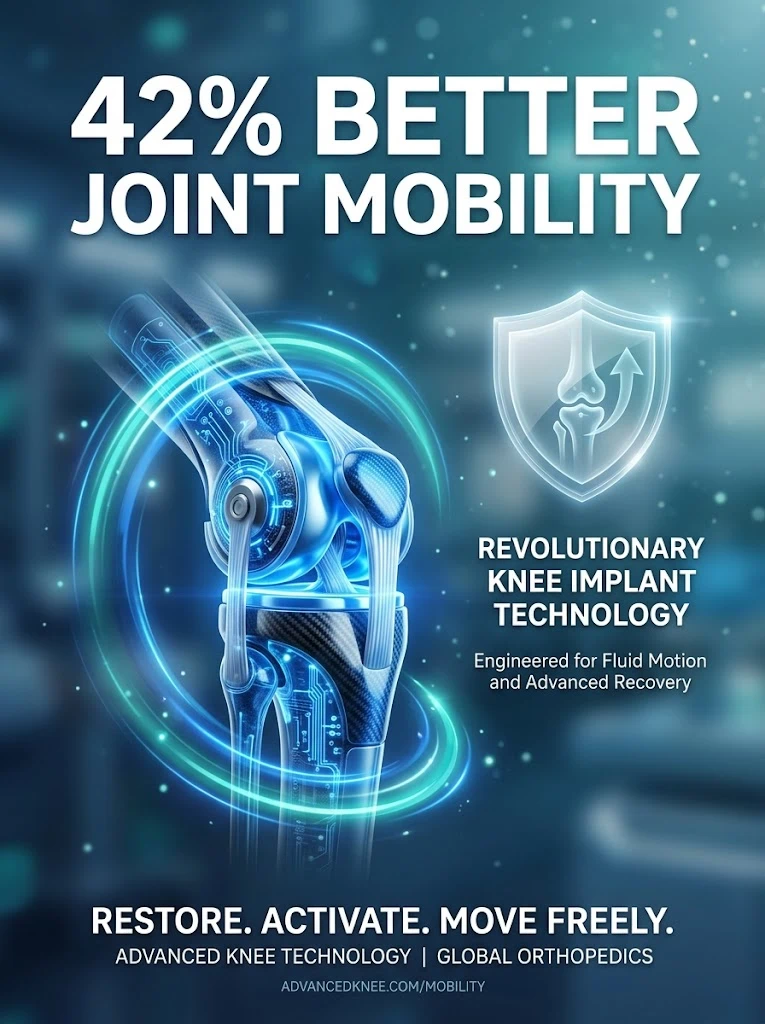
Nano Banana 2 medical poster text rendering comparison example
Nano Banana 2
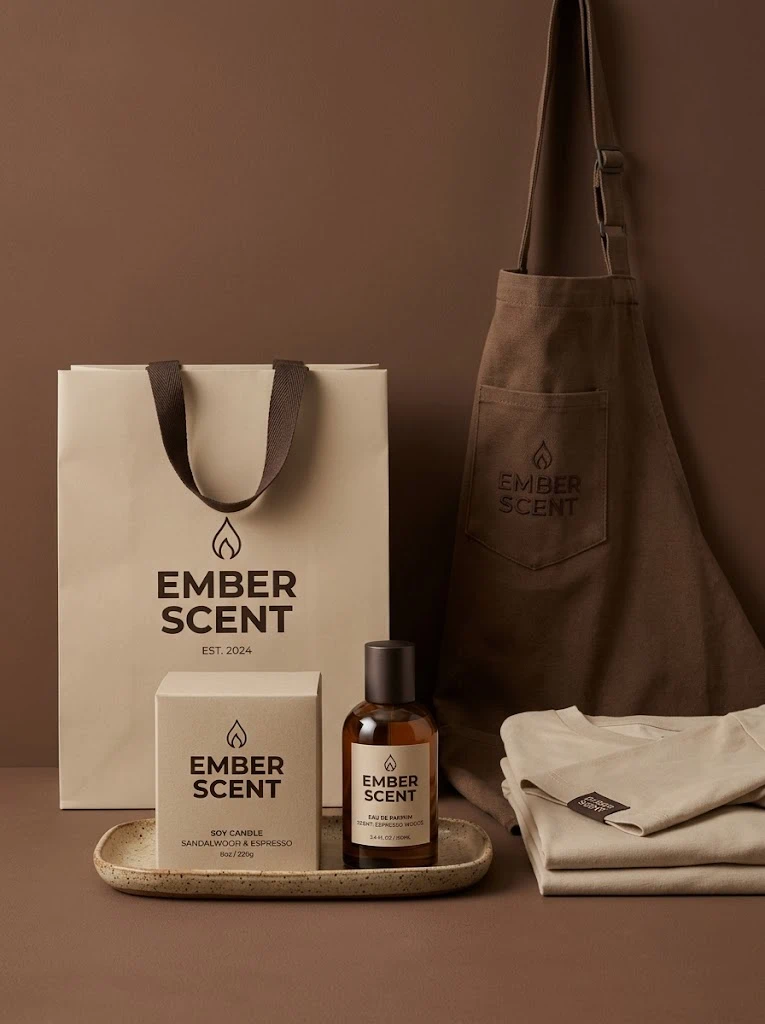
GPT Image 2 brand identity product mockup comparison example
GPT Image 2
Nano Banana 2 brand identity product mockup comparison example
Nano Banana 2

Prompt

Photorealistic frontal portrait of a young East Asian woman wearing a deep wine-red traditional robe layered with textured silk, refined features, luminous skin, dark hair styled into a neat coiled updo with antique gold ornaments. Background of a shadowy ancestral hall with warm lantern glow and soft atmospheric haze, elegant cinematic mood, shallow focus

What You Can Create with GPT Image 2

Use GPT Image 2 for image generation, natural-language editing, multilingual text layouts, commercial visuals, and structured creative concepts. ChatGPT Images 2.0 is the related official OpenAI release name many users search for.

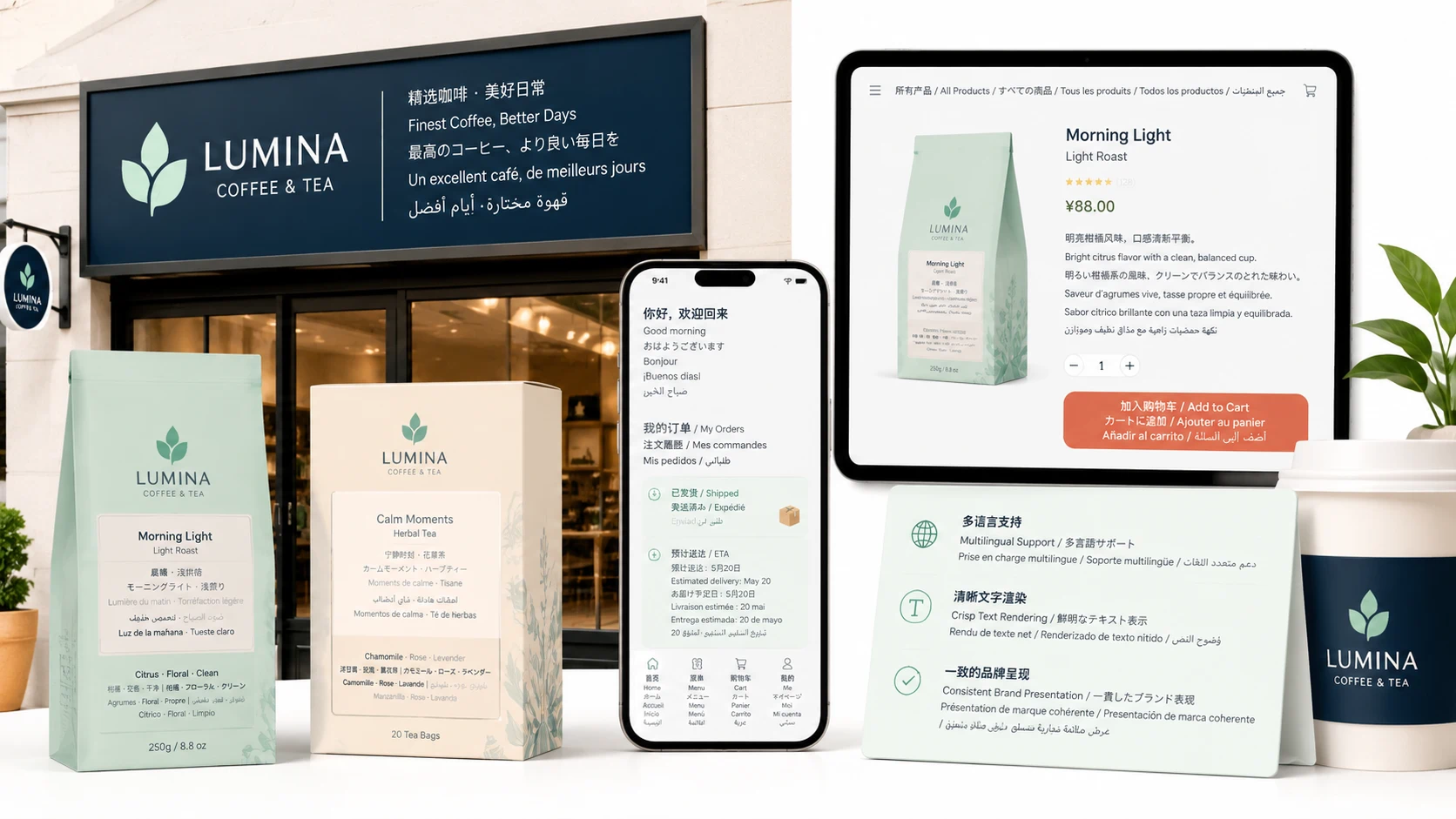
GPT Image 2 multilingual text rendering example

Stronger Text and Language Control

Create image layouts with clearer labels, signs, interface text, product packaging copy, and multilingual typography. GPT Image 2 is especially useful when the image needs readable text, not just decorative visuals.

Multilingual textSigns and packagingInfographics
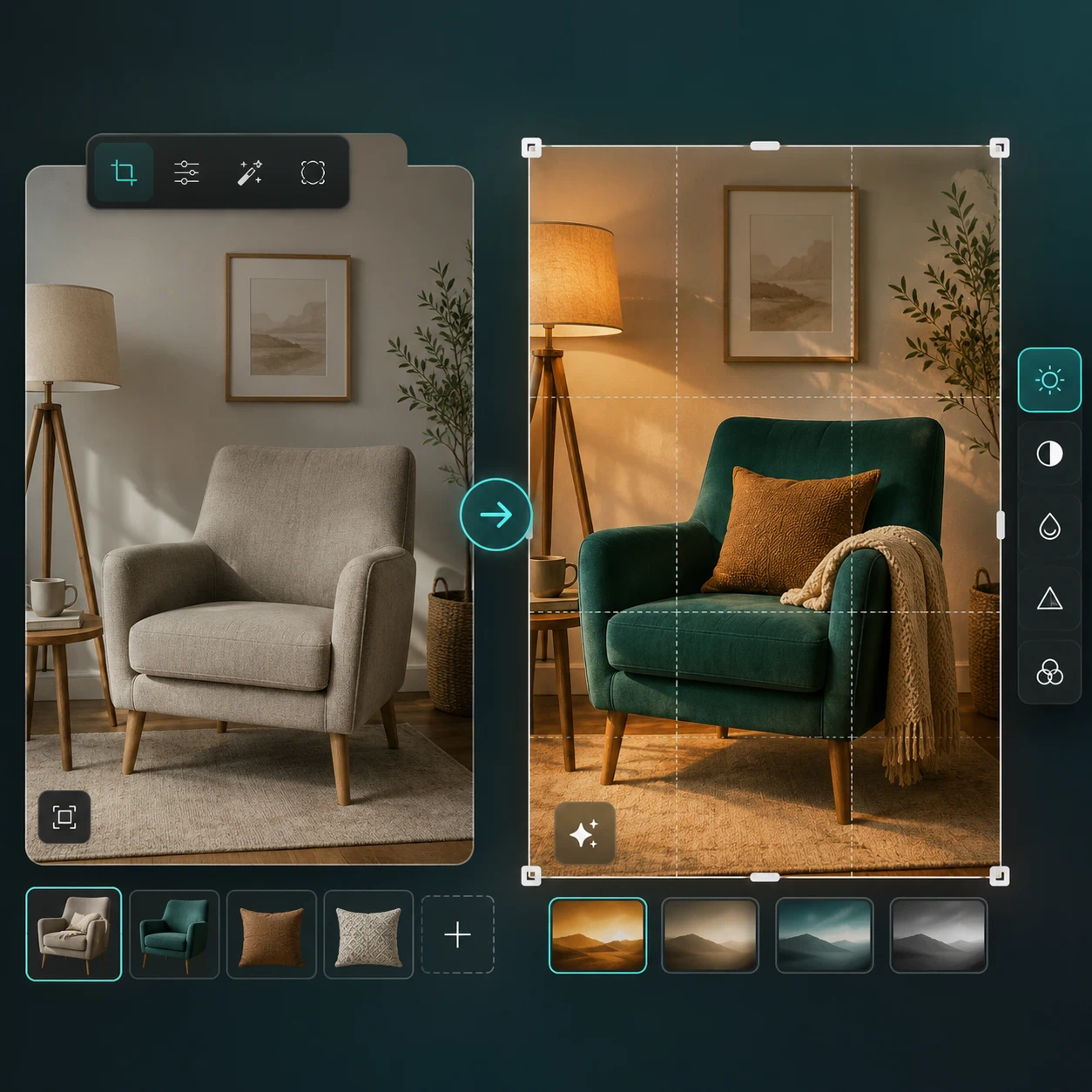
GPT Image 2 natural-language image editing example

More Precise Image Editing

Use natural language to revise an existing image, change details, adjust styling, or refine a composition while keeping the main subject and visual direction coherent.

GPT Image 2 realistic and stylized image example

Richer Style and Realism

Move between realistic photography, polished commercial visuals, illustration, posters, editorial design, and stylized concepts while keeping the output aligned with the requested mood.

GPT Image 2 flexible format image example

Flexible Formats for Creative Work

Generate visuals for square posts, vertical posters, horizontal banners, product pages, and other common layouts. Output size and format depend on the selected workflow and available settings.

GPT Image 2 structured prompt following example

Better Prompt Following for Structured Visuals

Describe subject placement, composition, color, mood, labels, and reference details in one prompt. GPT Image 2 is built to follow more detailed visual instructions with greater consistency.

Built for visual teams that need useful results quickly

Use GPT Image 2 for idea exploration, asset drafts, image edits, and commercial visual production without turning every request into a manual design pass.

Marketing and advertising teams

Create campaign concepts, banners, social posts, event posters, and product visuals with clearer text placement and more controlled visual direction.

E-commerce and product brands

Turn product ideas or reference images into lifestyle scenes, packaging drafts, marketplace visuals, and seasonal creative variations.

Designers, founders, and product teams

Generate UI mockups, icons, illustrations, moodboards, and design directions before moving the strongest ideas into tools like Figma.

Creators and publishers

Build thumbnails, blog headers, covers, story visuals, and editorial images with more specific style and layout control.

FAQ

GPT Image 2FAQ

Still have questions?

Still have questions? Contact us at

You can try GPT Image 2 online here. Free usage, credits, rate limits, generation costs, and paid access may vary by account, region, and current plan.

Choose text-to-image to create a new image from a prompt, or choose image-to-image to upload a reference and describe what should change or stay the same. Then generate, review, and refine the result.

ChatGPT Images 2.0 is the official OpenAI release name. Many users search for the same capability as GPT Image 2, so this page keeps both names for search clarity.

Yes. Use image-to-image mode to upload a reference or source image, then describe what should change, what should stay the same, and the style you want.

Text rendering is one reason users search for GPT Image 2. Clear prompts, shorter copy blocks, and explicit layout instructions usually produce more reliable text results.

Use the highest available output settings in the generator when you need production-ready images. Exact resolution, aspect ratio, and export options depend on the selected workflow and current model settings.

Use GPT Image 2 when you want ChatGPT Images 2.0 related image workflows, text-heavy layouts, or OpenAI-style image generation. Use Nano Banana Pro when your priority is Nano Banana-style image generation and image editing.